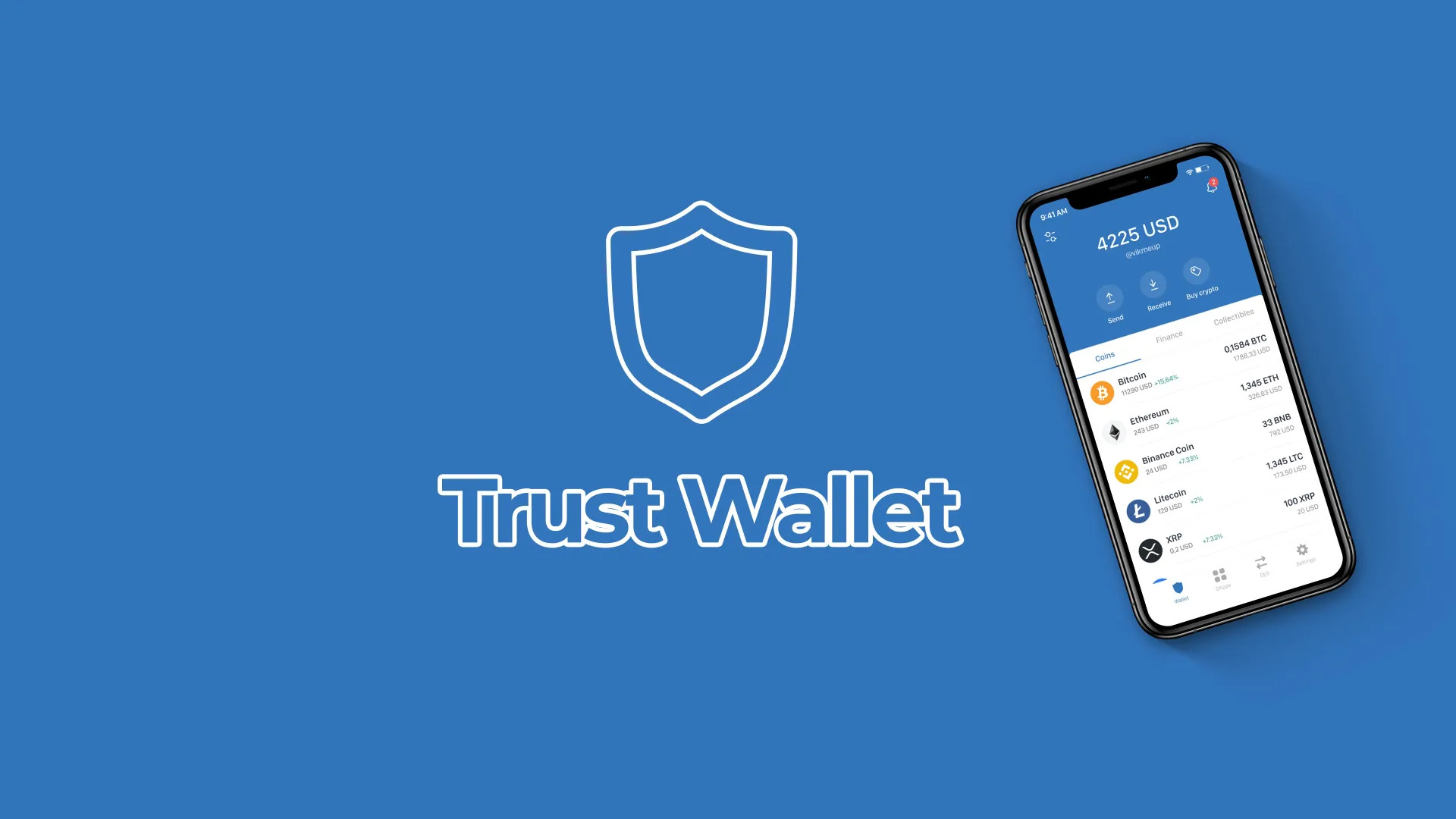
A common misconception is that mobile–desktop sync means a wallet is copied from one device to another like a browser tab or a cloud document. That is usually the wrong mental model—and in cryptocurrency, it can lead to dangerous decisions. A wallet is not merely an interface. It is a system for controlling cryptographic keys, presenting blockchain data, and approving transactions. When a browser extension and a mobile wallet appear to “sync,” the important question is not whether the screens look alike. It is which keys are present, where they are stored, and what each device is actually authorized to do.
Consider a US user moving between a laptop and a phone while managing assets across several blockchain networks. On the laptop, a browser extension is convenient for decentralized applications, trading interfaces, staking dashboards, and other DeFi services. On the phone, the same user may prefer biometric access, mobile notifications, or a device kept away from everyday browsing. The practical appeal is obvious: one wallet experience, two form factors. The security reality is more conditional. Synchronization can reduce friction, but it can also expand the number of places where a mistake, malicious approval, or compromised device can affect funds.

What “sync” can mean in a crypto wallet
In ordinary software, synchronization often means that a central service stores user data and distributes the latest version to several devices. Non-custodial wallets work differently. In a non-custodial design, control is generally tied to a secret recovery phrase or private keys rather than to an account held by the provider. The interface may synchronize selected account information, network settings, token visibility, or transaction history, but the critical security boundary remains the key material.
There are several possible models. A user may import the same wallet into both a mobile application and a browser extension using a recovery phrase. Alternatively, the extension may connect to a mobile wallet so the phone holds the keys while the browser displays a request and the mobile device confirms it. Some systems may use a pairing process, while others simply create separate accounts that happen to be displayed together. These models can feel similar to a non-specialist, yet their risk profiles differ substantially.
The sharpest distinction is between state synchronization and authority synchronization. State includes balances, token lists, network selections, and past activity. Authority means the ability to sign a transaction. A browser that shows a balance is not necessarily able to move the asset. Conversely, importing the same recovery phrase into a browser extension gives that extension signing authority, not just visibility. Readers should therefore treat “same wallet on desktop and mobile” as an incomplete description until the key-management arrangement is clear.
For users evaluating a browser extension for multi-chain DeFi access, a useful starting point is to inspect the connection flow rather than the marketing language. Does the extension ask for a recovery phrase? Does it pair with a mobile wallet for transaction approval? Is the requested permission limited to viewing an account, or does it enable signing? A reputable interface should make these distinctions understandable. Product documentation can be useful here, but documentation should supplement, not replace, the user’s own verification of the installation source and transaction details.
Why multi-chain DeFi makes synchronization harder
Blockchain networks do not share one universal transaction format, fee market, or smart-contract environment. A multi-chain wallet must interpret different networks and present them through a coherent interface. That convenience hides a layer of translation: the wallet helps the user choose a network, identify an asset, construct a transaction, and send it to the appropriate decentralized application. A sync feature does not erase those differences. It merely helps two interfaces represent some of the same accounts and activity.
This creates a subtle operational risk: a familiar address can appear across networks while having different practical meanings. A user may believe that selecting a token in one chain is equivalent to selecting a similarly named token elsewhere. It may not be. Bridges, wrapped assets, contract-based tokens, and look-alike assets introduce additional ambiguity. The browser extension can display a transaction that appears routine while the underlying contract call grants a permission, exchanges assets at an unfavorable rate, or interacts with a malicious application.
The wallet itself is not the same thing as the decentralized application. A wallet can help construct and sign a request, but it cannot guarantee that the application’s smart contract behaves honestly or that the user has selected the correct network. This boundary matters especially in DeFi, where a transaction may be technically valid yet economically harmful. Synchronization improves access; it does not convert an unverified contract into a safe one.
The security trade-off: convenience versus attack surface
Using both a phone and a desktop can improve resilience in one sense. A user may keep the mobile device dedicated to approvals and use the browser only for viewing or initiating actions. Separating roles can make suspicious requests easier to notice. It may also reduce the temptation to expose recovery material repeatedly. But adding devices, extensions, applications, and connections creates more components that must be kept current and correctly configured.
The browser is a particularly active environment. It handles ordinary websites, downloads, advertising scripts, email links, and potentially malicious extensions. A wallet extension may be well designed, yet the surrounding browsing session can still be manipulated through phishing, deceptive pop-ups, or a fake decentralized application. The most important secret is usually the recovery phrase. It should never be entered into a website, chat window, form, or support conversation. A request for that phrase is not a normal synchronization step; it is a high-risk event.
Transaction approval deserves equal attention. Many users focus on whether the destination address looks correct, but smart-contract transactions can contain more consequential permissions. Token approvals may allow a contract to spend a specified asset, sometimes under conditions the user does not fully understand. A signature request can also authorize an off-chain message or another form of interaction that is not immediately visible as a transfer. When a transaction is complex, the correct response is not to approve quickly because the site is familiar. It is to pause, identify the network, inspect the action, and consider whether the requested permission is necessary.
A practical rule is to separate three questions: “Can I see the account?” “Can I sign?” and “What exactly am I signing?” Synchronization answers only the first two, and sometimes answers them differently on each device. The third question remains a user responsibility supported by wallet warnings, application interfaces, and independent verification.
A disciplined setup for mobile–desktop access
Security is more reliable when treated as a process rather than a single feature. Before installing an extension, verify that it comes from the intended official distribution channel and that the publisher information is consistent. Fake wallet extensions are effective precisely because they imitate familiar names and visual designs. Downloading from a search advertisement, an unsolicited message, or an unfamiliar mirror adds unnecessary uncertainty.
Next, decide whether the desktop should hold signing authority or merely act as an interface connected to the mobile wallet. A signing-enabled extension is convenient and often faster, but compromise of the browser environment may expose the wallet to more direct transaction risk. A mobile approval model can create an additional checkpoint, although it is not automatically secure: users can still approve a malicious request on the phone, and a lost or compromised phone introduces its own problems.
Recovery information should be backed up offline, privately, and in a form that can survive the loss of one device. Digital screenshots, cloud notes, email drafts, and unencrypted password documents create additional exposure. The recovery phrase should not be tested by entering it into random software. If a user needs to restore a wallet, the destination application and the recovery procedure must be independently verified first.
For substantial holdings, a separate approach may be appropriate. A user can keep everyday DeFi funds in a wallet used for active interaction and store longer-term assets in a more restricted arrangement. This is not a guarantee against loss, but it limits the amount exposed to routine approvals and experimental protocols. The trade-off is administrative complexity: separate accounts require careful labeling and make mistakes in network selection or address management more likely if the user is careless.
What to watch as wallet synchronization develops
The useful direction for wallet design is not simply “more seamless sync.” It is clearer separation between viewing, connecting, and signing. Stronger interfaces would show which device holds the keys, which chain is active, what permissions are being requested, and whether a transaction transfers assets or changes future spending authority. They could also make account labels and network context harder to overlook.
Whether these improvements reduce losses will depend on user behavior and application design, not only on technical capability. If convenience removes every pause before approval, it may weaken the very checks that protect users. If synchronization instead creates deliberate, comprehensible checkpoints, it could make multi-chain activity easier to audit. The relevant signal to watch is therefore not the number of supported networks or devices, but whether the system makes authority and risk legible.
For US users, the most reusable framework is simple: verify the software, protect the recovery material, distinguish visibility from signing power, confirm the network, inspect permissions, and limit the funds exposed to experimental activity. A synchronized wallet can be a helpful coordination layer. It is not a shared vault in the cloud, and it is not a substitute for transaction judgment.
Frequently asked questions
Does mobile–desktop sync mean my recovery phrase is stored online?
Not necessarily. Some designs import the same wallet into multiple devices, while others connect a browser interface to a mobile signer. The user must determine which model applies. A wallet that synchronizes balances or account labels does not automatically store the recovery phrase on a server, but entering the phrase into an unverified application can expose it.
Is a browser extension safe for multi-chain DeFi?
Safety depends on the extension, the installation source, the browser environment, and the applications being used. Even a legitimate wallet cannot guarantee that every smart contract, token, bridge, or decentralized application is safe. Use verified software, keep the recovery phrase offline, review network and permission details, and avoid exposing more funds than the activity requires.
Should the mobile phone or the desktop hold the signing keys?
There is no universal answer. Keeping keys on the phone may reduce direct exposure to browser-based threats, while a signing-enabled extension may be more convenient. The better choice depends on the user’s security habits, device protection, and tolerance for additional approval steps. For meaningful balances, separating everyday transaction funds from long-term holdings can reduce the consequences of a single mistake.